
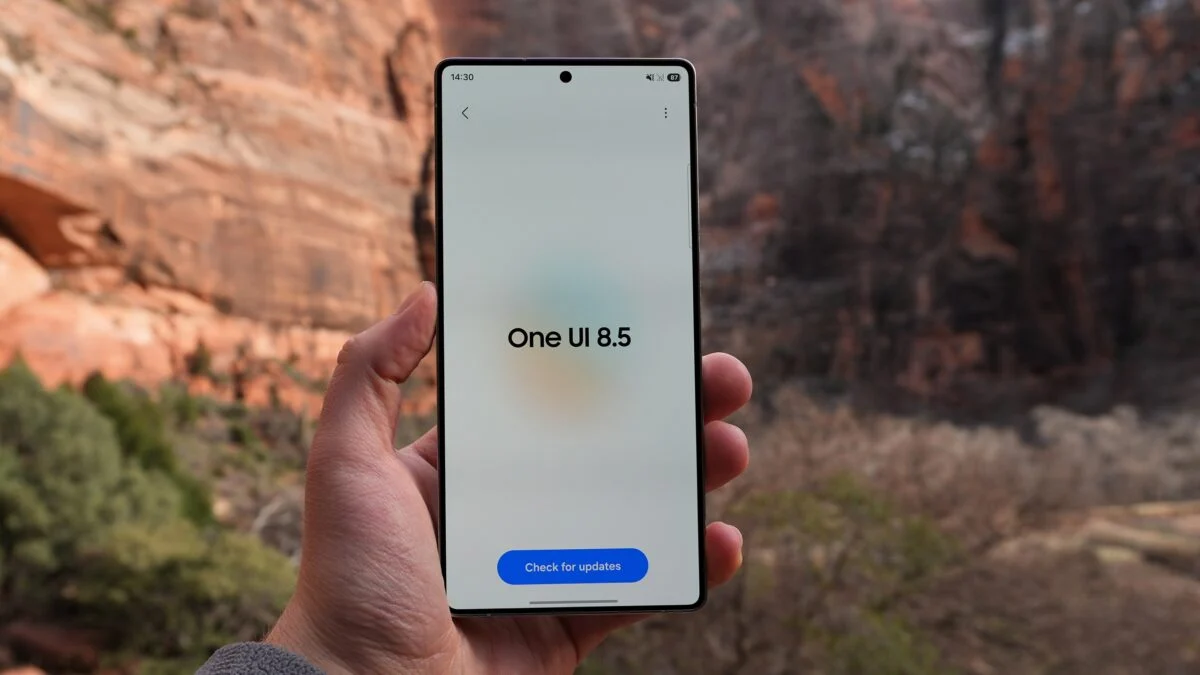
Samsung is finally set to launch the stable version of One UI 8.5 on its Samsung Galaxy S25 lineup, and here’s the complete list of what’s included.
After several months of extensive beta testing, numerous beta builds, and feature enhancements, One UI 8.5 is definitely going to be one of the biggest Android updates for Galaxy users, featuring advanced AI capabilities and much more.
Check out all details related to the Galaxy S25 One UI 8.5 update below.
Stable Launch Timeline
According to rumors, Samsung plans to start rolling out the update starting April 30, 2026, initially in South Korea and then other countries including the US, India, and Europe in early May.
This time, Galaxy S25 will become the first model in the lineup to get the update, having passed through almost 10 beta builds during the beta period.
Updated Design
The latest One UI 8.5 comes with some design improvements aimed at creating a more immersive user experience.
Main UI Enhancements:
Advanced transparent effects
Smother animation and transitions
Higher level of UI coherence
UI responsiveness improved
Big Boost for Galaxy AI
By far, the most impressive feature of One UI 8.5 is the addition of new capabilities to Galaxy AI that were only available on newer models until now.
New AI features include:
Call screening
AI will answer calls you do not know
Real-time transcription of the conversation
Filtering spam calls
Creative studio
AI-driven photo editing software
Turning sketches into art
Creation of stickers and edits based on textual prompts
Photo Assist (Advanced)
Image editing software powered by generative AI
Removal/edition of any object seamlessly
Audio Eraser upgrade
Separation of voice, music, and background noise
Compatibility with third-party apps (streaming platforms)
Can be accessed via Quick Panel
All of those significantly improve the overall user experience, benefitting both professional and regular users.
Cross-Platform Upgrade to Quick Share
One of the most interesting updates is definitely cross-platform Quick Share, very similar to Apple’s AirDrop.
New Features Include:
Sharing of files even with non-Galaxy devices
Faster and more reliable experience
Improved integration across different devices
It’s one step further towards creating a completely seamless ecosystem that users have been asking for.
Camera and Imaging Advancements
In addition to new capabilities, there are camera-related upgrades in One UI 8.5.
They Include:
Improved low light performance
Better HDR results
Consistent image quality across devices
Editing options driven by AI
Performance and System Optimization
This update pays great attention to performance optimization.
Changes Include:
Quicker applications launching
More optimized memory usage
Lag reduction and better multitasking capabilities
Battery consumption optimization
Additionally, Samsung has fixed numerous bugs found during beta testing, such as:
Bluetooth connectivity problem
Call screen issues
Touch recognition defects
Recording errors using the camera
These bugs were fixed to provide a smoother experience.
More Intelligent Bixby AI Assistant
Samsung’s voice assistant, Bixby, was significantly enhanced by implementing AI technology.
Bixby can now:
Recognize natural language instructions
Automatically adjust phone settings
Serve as an AI device assistant
Examples include:
Speaking “my eyes hurt” → turns on Eye Comfort Shield mode
Saying “screen too bright” → activates Extra Dim mode
This enhances Bixby’s capabilities in everyday situations.
Practical and Useful Features for Productivity
One UI 8.5 also includes many productivity-oriented improvements.
Main Features:
Advanced document scanning
Optimized file management
Enhanced multitasking utilities
Improved navigation options
These new features intend to increase efficiency.
Enhanced Security and Privacy Features
Security is always a crucial concern in any update.
New Features:
Data protection optimization
App permissions improvement
System security enhancement
Samsung maintains the safety of their ecosystem.
Why is the New Update Significant?
The One UI 8.5 is more than just an incremental update; it marks a significant milestone in Samsung’s software development.
Main Advantages:
Integrates advanced AI functionality into older devices
Increases compatibility across various platforms
Improve overall user experience
It also indicates Samsung’s dedication to providing substantial updates even beyond hardware enhancements.
Comparison with Older Versions
When comparing One UI 8.5 with One UI 8.0, we find that:
Feature One UI 8.0 One UI 8.5
AI Technology Basic Advanced (Call Screening, Creative Studio)
User Interface Standard Refined and Modern
File Exchange Sparse Cross-platform
System Performance Good Better Optimization
Devices That May Receive the New Version
Although the Galaxy S25 lineup will receive the update initially, other devices like:
Galaxy S24 lineup
Galaxy S23 lineup
Galaxy Z Fold and Flip
Some Galaxy A series phones
are likely to receive the new version soon.
What Users Should do
For those using a Galaxy S25 series smartphone:
Maintain the latest software version on your device
Participate in beta testing if possible
Create backups before updating
After receiving the notification, users can proceed with the installation through:
Settings > Software Update > Download & Install
Conclusion
Overall, the One UI 8.5 upgrade on the Galaxy S25 series will prove to be a robust software update.
It is equipped with cutting-edge AI technology, refined designs, and optimized system performance.