
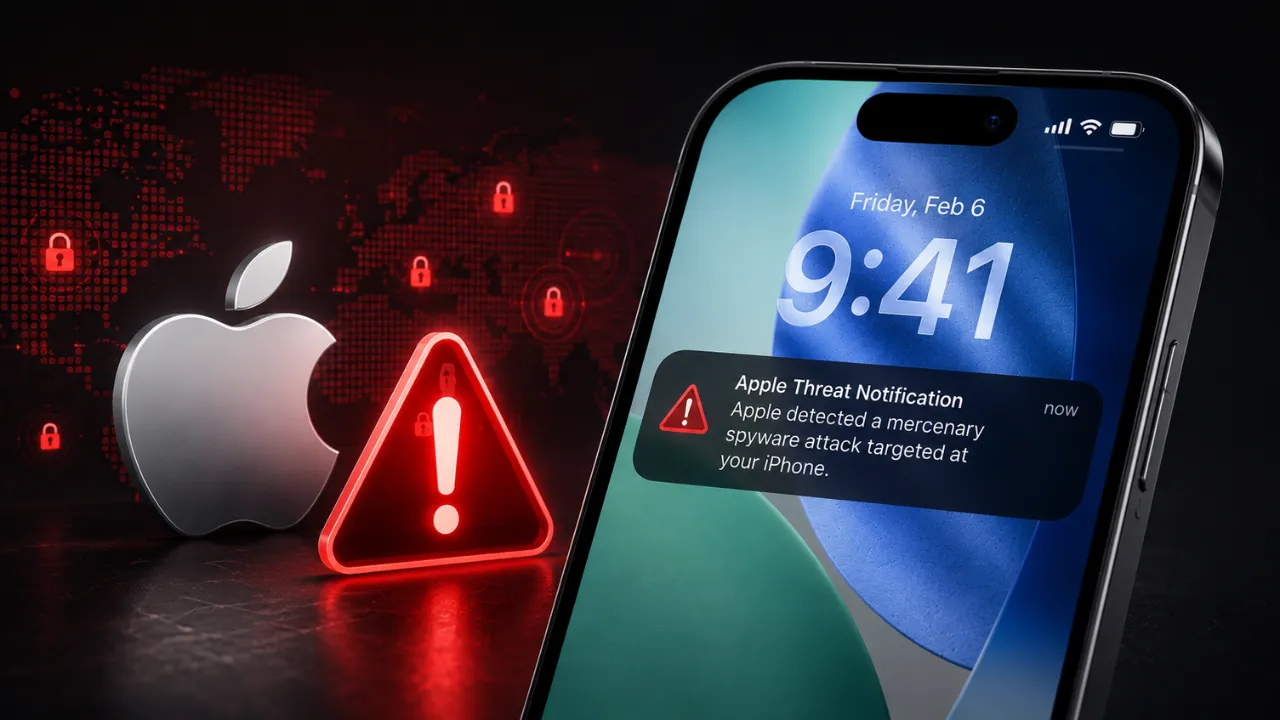
Apple has once again sent Spyware Threat Notifications to hundreds of users around the world. These warnings indicate that their iPhones or other Apple devices may have been targeted using highly sophisticated “Mercenary Spyware.”
According to the company, the latest alerts were sent on August 13 to potential victims across more than 110 countries. Apple has not yet confirmed whether India was included in the latest round of notifications. The company says users in more than 150 countries have received similar Spyware Threat Notifications so far.
How Does Apple’s Spyware Alert Work?
Apple sends warnings directly to potentially affected users through a Push Notification that appears on their iPhone’s Lock Screen. According to the company’s latest support information, users may also receive the warning via email or after signing in to their Apple Account.
The alert may display a message similar to:
“Apple detected a mercenary spyware attack targeted at your iPhone. There are actions you can take now to protect your data and device.”
Apple has also updated the user experience around these Threat Alerts to make it easier for affected users to understand what steps they should take next. Users can seek additional assistance and, if necessary, enable Lockdown Mode to strengthen the security of their devices.
Apple has not attributed the recent attacks to any specific government or organisation. However, governments in different parts of the world have previously been accused of using sophisticated spyware to monitor journalists, activists, political opponents and members of civil society.
The use of such technology gained significant global attention following revelations involving Israeli spyware company NSO Group and its Pegasus malware. Apple has previously warned customers about potential Spyware Attacks, increasing concerns over the growing use of commercial surveillance technology worldwide.
Why Are Apple’s Spyware Alerts Important?
Spyware Attacks are considered particularly serious because attackers may attempt to access a user’s sensitive information without their knowledge.
John Scott-Railton, a senior researcher at digital research organisation Citizen Lab, has described Apple’s Threat Notifications as an important development. According to him, such alerts can inform potential targets about sophisticated attacks and encourage affected individuals to seek professional assistance.
In many cases, these warnings can also serve as the starting point for further investigations. They may help researchers uncover additional Spyware Cases that could otherwise remain undetected.
The growing use of surveillance technology has also raised concerns about its potential misuse. Apple’s Threat Alerts are therefore important not only for individual users but also for Cybersecurity Researchers investigating larger Spyware Campaigns.
What Should You Do If You Receive an Apple Spyware Alert?
If you have recently received a Spyware Threat Notification from Apple, do not ignore it. Follow these important steps:
1. Verify the Alert
First, open your iPhone’s Settings and check whether Apple has actually issued a Threat Notification for your device or account.
If you suspect the alert could be fake, do not click on links included in suspicious emails or messages. Instead, visit Apple’s official website directly and sign in to your Apple Account to verify the information.
2. Understand What the Threat Notification Means
If the Apple alert is genuine, it means the company has detected activity suggesting that you may have been specifically targeted by sophisticated Mercenary Spyware.
However, simply receiving a Threat Notification does not prove that your iPhone has been successfully hacked.
Even so, these alerts are based on Apple’s Threat Intelligence and investigations and should be treated as serious security warnings.
3. Consider Enabling Lockdown Mode
If you believe you are at a higher risk of being targeted by sophisticated Spyware, Apple recommends considering Lockdown Mode.
On a compatible iPhone or iPad, you can enable it by going to:
Settings → Privacy & Security → Lockdown Mode → Turn On Lockdown Mode
The feature restricts certain device functions, reducing the potential Attack Surface available to sophisticated spyware.
4. Seek Help From a Cybersecurity Expert
If you are unsure about what to do after receiving the alert, consider contacting Apple Support or a trusted Cybersecurity Professional for guidance.
This can be particularly important for journalists, activists, researchers, public figures and others who may face a higher risk of Targeted Cyberattacks.
Apple’s Security Efforts Against Spyware
Apple continues to introduce new Hardware and Software security features designed to make sophisticated Spyware Attacks more difficult for attackers.
Alongside the iPhone 17 lineup and iPhone Air in 2025, Apple announced several security improvements involving its A19 and A19 Pro Chips, Operating Systems and Development Tools.
One of the key technologies introduced was Memory Integrity Enforcement (MIE). It is designed to make it more difficult for attackers to exploit Memory-related Security Vulnerabilities and compromise an iPhone.
MIE is based on the Enhanced Memory Tagging Extension (EMTE), a technology derived from Arm’s work designed to help detect Memory Corruption issues in Hardware.
According to Apple, MIE is a comprehensive, Always-On Memory Safety System that protects important Attack Surfaces, including the Operating System Kernel and more than 70 Userland Processes.
What Is Lockdown Mode and How Does It Work?
Apple introduced Lockdown Mode with iOS 16 in 2022. It is an Optional Security Feature designed specifically for users who may face highly sophisticated Cyberattacks.
When enabled, Lockdown Mode restricts or disables certain features to reduce the potential Attack Surface available to attackers.
For example, the feature disables Link Previews in Messages. Some Safari functions are also restricted, which may affect how certain websites work.
It can also block certain FaceTime Calls from people the user has never previously contacted. Similarly, some Apple Service Invitations, including Calendar and Notes invitations from unknown contacts, may be restricted.
However, Lockdown Mode does not make an iPhone completely Spyware-Proof. Instead, its goal is to reduce potential Attack Surfaces and make sophisticated Cyberattacks more difficult to carry out.
Conclusion
An Apple Spyware Threat Notification should not be taken lightly. However, receiving one does not necessarily mean that your iPhone has already been successfully hacked.
If you receive such an alert, first verify that it is genuine. Then review Apple’s Security Guidance and consider enabling Lockdown Mode if you believe you face a genuine risk of a Targeted Attack. If necessary, seek assistance from a Cybersecurity Expert.
As Commercial Spyware continues to become more sophisticated, Apple’s Targeted Threat Notifications serve as an important Early Warning System, giving users an opportunity to take timely steps to protect their devices and personal data.